
Sprunki Parasite ParaSprunki 15

More games like Sprunki Parasite ParaSprunki 15

Sprunki Parasite ParaSprunki 15

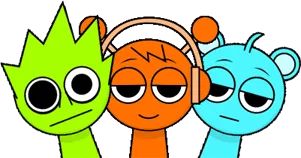
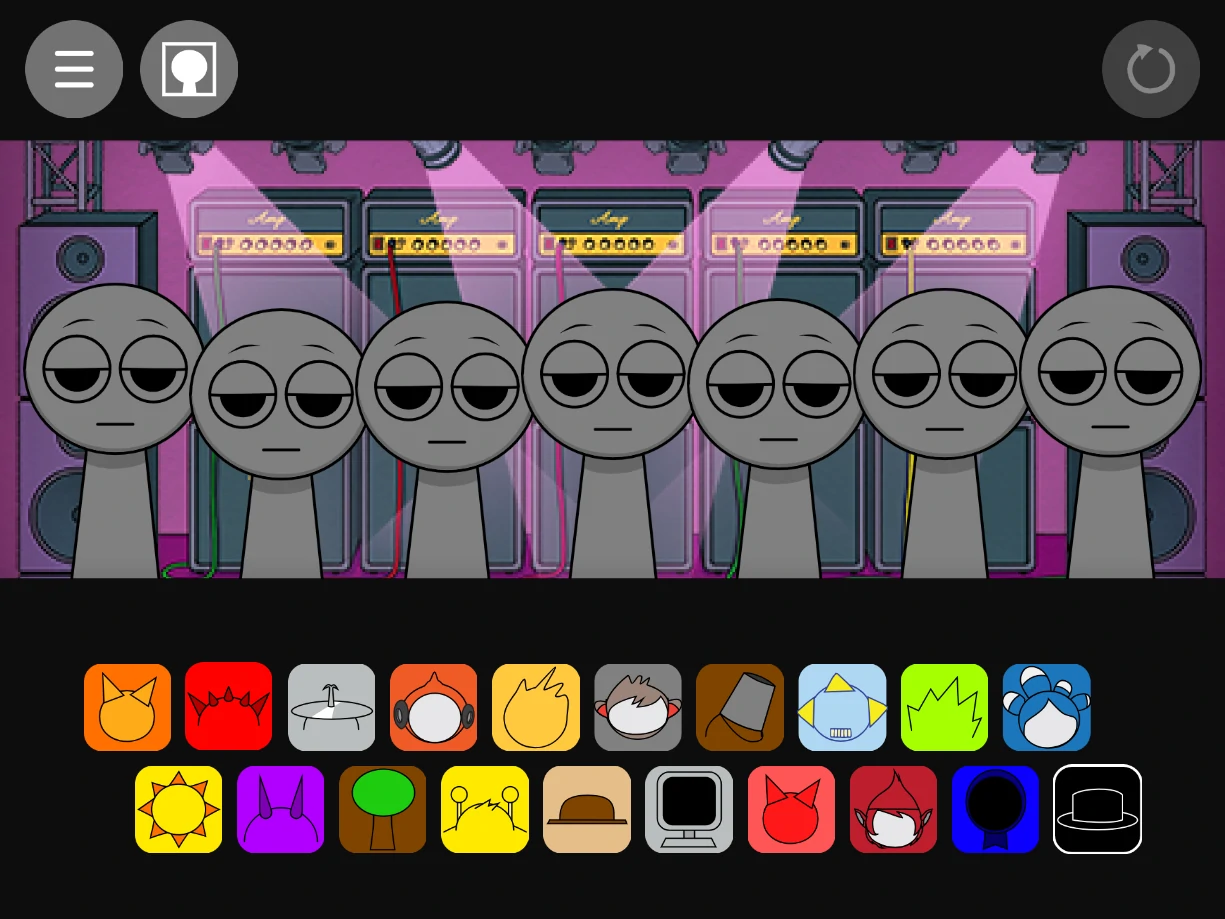
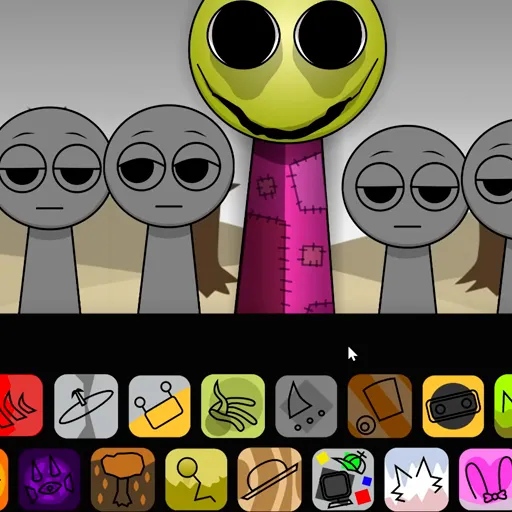
Sprunki Parasite ParaSprunki 15 opens on a dry, empty landscape with seven figures waiting in normal mode. You are not dragging characters in the usual Sprunki way here. You place music boxes onto those figures, and each box reshapes how they look and what they contribute to the track. Some faces stay oddly calm. Others already look wrong before you add anything else. The stage feels quiet in a way that does not last.

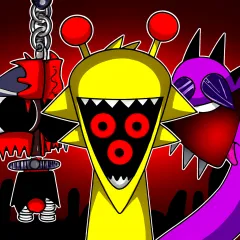
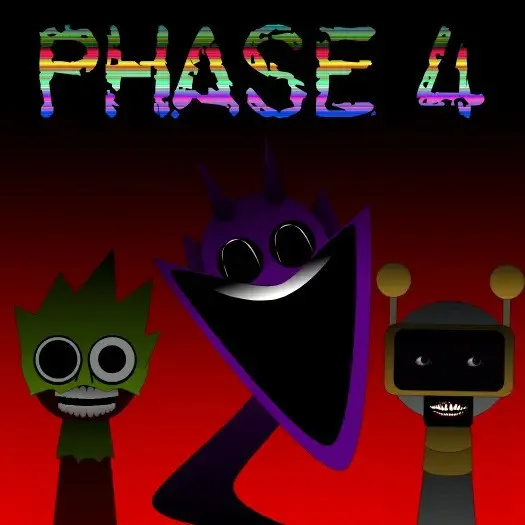
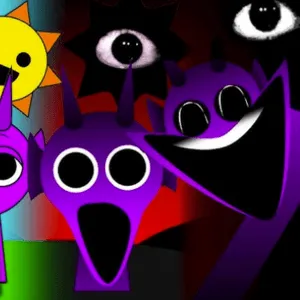
When you move into horror mode, the same layout turns hostile. The background hardens, the characters read as infected or possessed, and the loops lean into reversed tones, glitchy percussion, and echo that sits too close to the ear. ParaSprunki 15 also hides a large sound library outside the main row: music boxes above and below the screen unlock extra beats, and the Bisos menu lets you inspect each figure's name, voice type, age, outfit, and sound category before you commit to a mix. A correct gallery code opens a secret image set on top of everything else. The mod runs in the browser with no download.

How to Play Sprunki Parasite ParaSprunki 15

1
Load music boxes onto the seven figures

Load music boxes onto the seven figures

Start in normal mode. Drag a music box from the menu onto any of the seven figures on stage. Each placement changes how that figure looks and starts its loop. Build slowly with two or three boxes first so you can hear how the rhythms lock together before filling every slot.

2

Switch to horror mode and control each voice

Activate horror mode when you want the infected stage and harsher audio. Click icons below any active figure to mute, solo, or remove that voice without stopping the full mix. Solo is useful when you need to hear one distorted layer clearly.

3

Hunt hidden boxes, read Bisos, and unlock the gallery

Check the music boxes placed above and below the main screen to pull in extra sounds from the hidden set of 30. Open Bisos to view full profiles for each Sprunki figure. Enter the right gallery code when you find it to reveal the secret image collection.

Why Sprunki Parasite ParaSprunki 15 splits normal and horror mode

Normal mode in Sprunki Parasite ParaSprunki 15 is not a warm up you skip. The dry landscape and stranger character variants already carry unease, and the music boxes you place begin shaping the track before any mode switch. Horror mode does not replace your arrangement. It recontextualizes it. Figures that looked merely odd can read as overtaken, and the audio palette shifts toward warped percussion, reversed fragments, and ambient synth that feels closer to a corrupted signal than a clean loop.

That two stage structure gives the mod a narrative rhythm even though there is no scripted story. Players who learn the normal mix first understand what horror mode is taking away or distorting. Players who jump straight into horror still get a functional mixer, but they miss the contrast that makes the second mode hit harder. Treating both modes as part of one session is how most players get the full ParaSprunki 15 experience.

Where the extra 30 sounds and Bisos profiles fit in

The visible row of seven figures is only the front layer. Sprunki Parasite ParaSprunki 15 places additional music boxes above and below the main screen, and those unlock beats that never appear in the default menu. Some are subtle texture. Others are full rhythmic ideas that change the direction of a mix once you find them. If your track feels thin or repetitive, the hidden boxes are usually the fix, not more of the same front row placements.

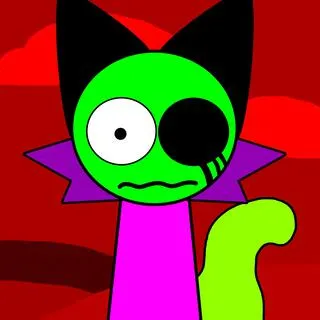
Bisos is the reference layer for the cast. It shows each figure name, voice type, age, outfit, and sound category, which matters when you are trying to balance a horror mix instead of stacking random boxes. Knowing whether a voice is melodic, percussive, or effect driven helps you place the hidden sounds with intent. ParaSprunki 15 has around twenty distinct characters in this part of the series, including familiar names like Clukr, Fun Bot, and Oren, each contributing a different role to the beatboard.

Secret gallery codes and combo style discoveries

Beyond the hidden music boxes, Sprunki Parasite ParaSprunki 15 reserves a secret gallery for players who enter the correct code. The images there are not required to play, but they reward the kind of close attention the mod asks for elsewhere. Spectral transitions and glitched visual reactions also appear when certain character combinations are active, so experimentation still matters even after you understand the basic placement rules.

A practical way to explore is to keep horror mode running while you solo individual figures and listen for reversed or echo heavy layers, then add one hidden box at a time from the upper or lower strips. When the stage flickers or the audio warps in a way that was not there a moment ago, note which figures were active. ParaSprunki 15 is built for that kind of trial and revision more than for a single perfect first mix.

Sprunki Parasite ParaSprunki 15 is a fan made horror mod in the Sprunki Incredibox line. It is not an official Incredibox product. To play Sprunki Parasite ParaSprunki 15 online free on Sprunky Game, use the player at the top of this page. No account or download required.

FAQs about Sprunki Parasite ParaSprunki 15

Sprunki Parasite ParaSprunki 15 is a horror themed Sprunki mod where you place music boxes on seven figures to build a track. It includes normal and horror modes, hidden music boxes above and below the screen, Bisos character profiles, and a unlockable secret gallery.
Instead of only dragging sound icons onto a cheerful cast, you assign music boxes to figures on a dry landscape stage. Characters change appearance when boxes are placed, horror mode shifts the whole mix toward glitch and echo heavy audio, and dozens of extra sounds sit outside the main row.
The mod includes 30 hidden sounds tied to music boxes above and below the main screen. They are not all obvious on first load, so checking those areas after you build a base mix is the fastest way to expand your track.
Bisos opens a profile view for each Sprunki figure. You can see their name, voice type, age, outfit, and sound category, which helps you decide where to place boxes and which voices to solo or mute.
Enter the correct code in the gallery unlock field. The exact code is part of the hidden content in the mod, so exploring Bisos, hidden boxes, and horror mode combinations is how most players find it.
Yes. Click the icons below any active figure on stage to mute that voice, solo it while muting the rest, or remove it entirely. This is the main way to clean up a dense horror mix.
Yes. The mod runs in a modern browser at no cost. No download, account, or payment is required.