Sprunki Phase 3

Sprunki Phase 3

Sprunki Phase 3

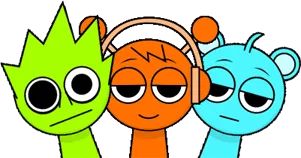
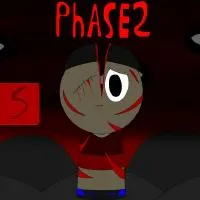
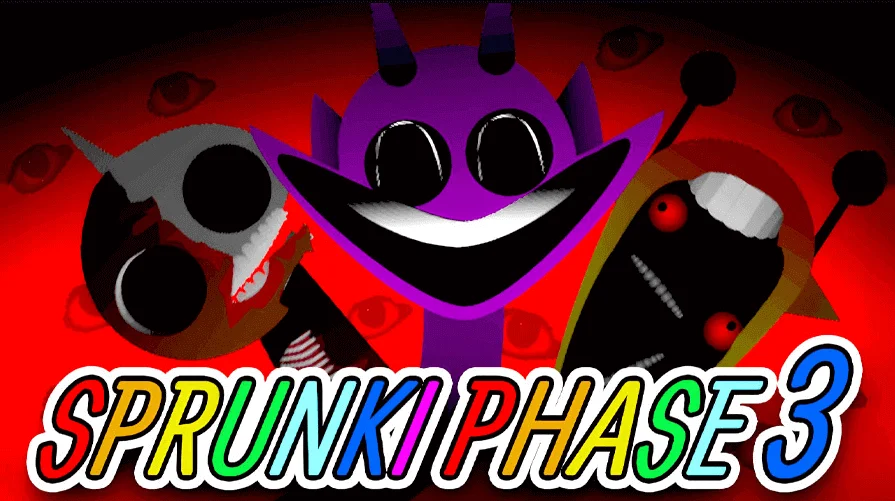
Sprunki Phase 3 brings the series into Halloween territory. This phase trades bright colors and simple characters for a grimmer palette: darker environments, redesigned figures that lean into horror tropes, and a sound bank tuned for eerie, unsettling loops. The core mechanic stays the same: drag parts onto the stage, layer them into a bar, and watch the scene react. But the vibe shifts. Instead of playful mascots, you are working with creatures that look like they wandered out of a nightmare.

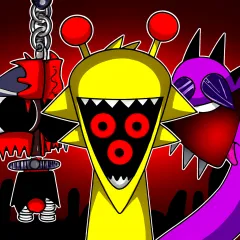
Every character in Phase 3 tells a visual story. Oren appears corrupted, Raddy is reduced to a skeleton, and Cluckr's wide eyes and sharp beak give a sense of trapped panic. These designs are not random; they hint at backstories and set the mood before you even press play. The music follows the same path. You can still make catchy loops, but the default tone is haunted, atmospheric, and occasionally unsettling. If you enjoyed earlier phases but wanted something darker, Phase 3 delivers.

The game runs free in the browser, requires no account or install, and works on desktop and mobile as long as you allow audio. Loading can take up to a minute on the first visit while all the samples arrive, so be patient with the initial splash screen. Once loaded, you have access to a full roster of characters, each mapped to a different layer: beats, melodies, vocals, effects. Experiment without rules, hunt for hidden combos, and share your tracks when you land on something that feels right.

How to Play Sprunki Phase 3

1

Launch the game and wait for it to load

Use the embedded player on this page. The first load pulls in all character animations and sound files, which can take thirty to sixty seconds. A static screen or loading animation is normal. If nothing appears after a full minute, refresh and check that your browser is not blocking media.

2

Explore the sound library

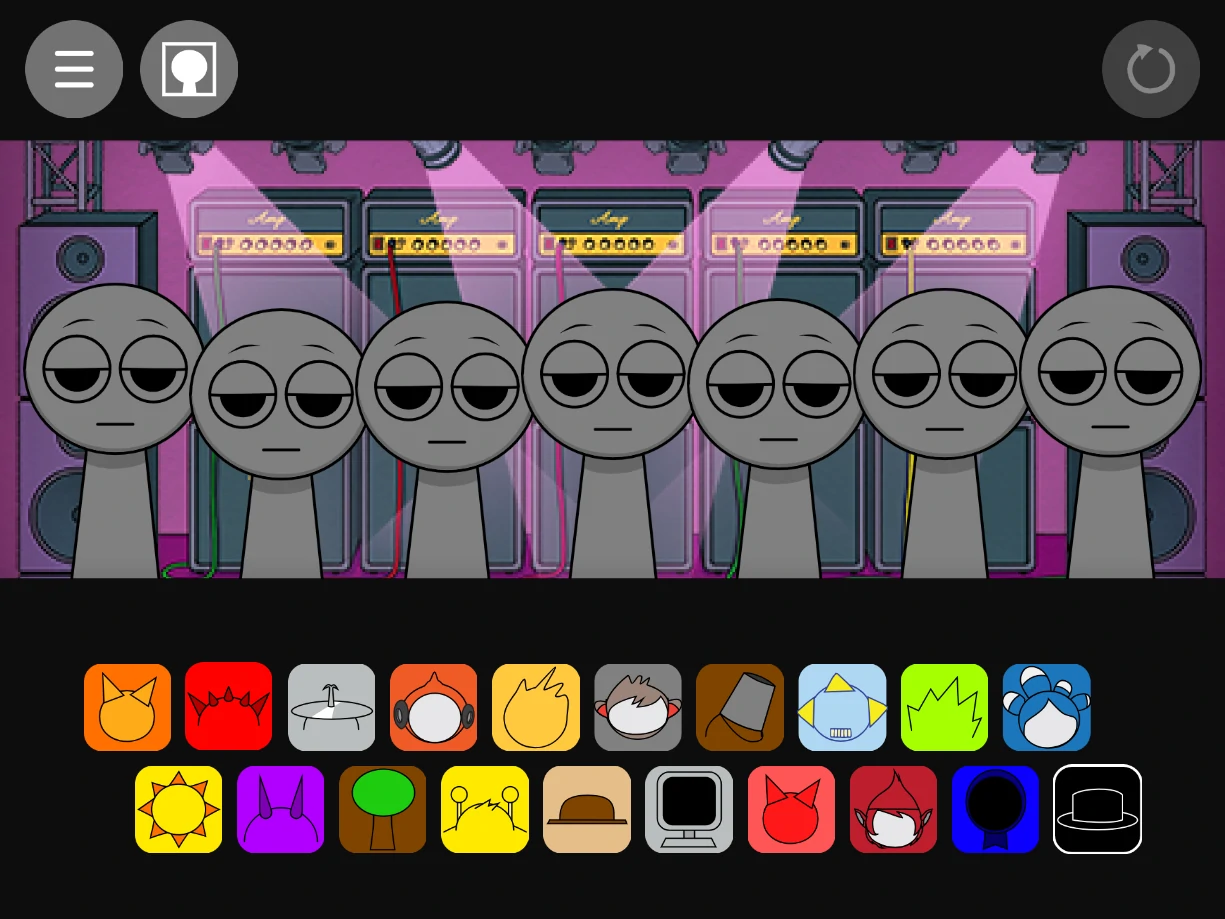
Browse the character roster on the side or bottom panel. Each figure represents a different sound: rhythm, melody, vocal line, or ambient effect. In Phase 3, even pleasant sounding parts carry a darker edge. Hover or tap to preview before you commit.

3

Layer your tracks

Drag characters onto the stage to activate their sounds. Start with a foundation, usually a beat or a low pulse, then add mid range parts, and finish with high end details or vocals. Keep each addition simple at first so you can hear what it brings to the mix.

4

Experiment without limits

There are no wrong answers in Phase 3. Try pairing Oren with Simon for a gloomy drone, or stack Durple, Vineria, and Mr. Sun for a fuller arrangement. If a combination feels crowded, remove one part and test again. The interface usually includes mute, solo, or clear controls for each active slot.

5

Hunt for hidden reactions

Certain character pairings unlock special animations or bonus sound moments. Change one character at a time when testing so you know which swap triggered the effect. Visual cues often appear when you hit a successful combo, so watch the stage as closely as you listen.

6

Share your creations

If the build offers a save or share button, use it to export your loop. If not, a short screen recording is the standard way to capture and share your work with friends or the wider Sprunki community.

What makes Phase 3 sound different

Phase 3 is designed around a Halloween mood, which means the default tone skews eerie and atmospheric. The beats are slower and more deliberate, the melodies favor minor keys and unsettling intervals, and the vocal samples sound less like cheerful chants and more like whispers or distant cries. This is not a phase for upbeat party tracks; it is built for soundscapes that unsettle and intrigue.

That said, you can still craft loops that feel musical and rhythmic. The horror theme is texture, not a strict genre. Layer carefully, balance low and high end, and remember that space is part of the sound. If every slot is filled, the mix often loses clarity. The best Phase 3 tracks use silence and negative space as tools, not accidents.

Character redesigns and narrative hints

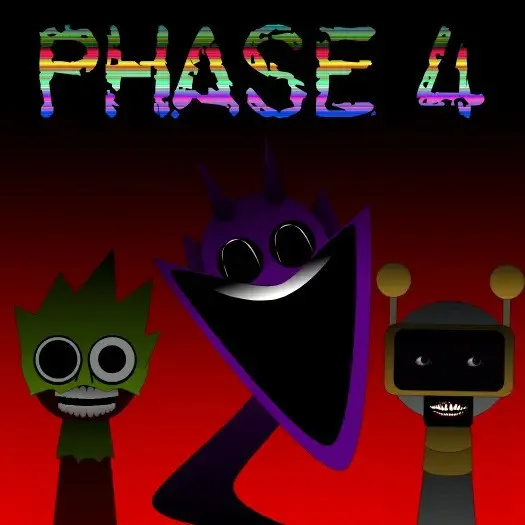
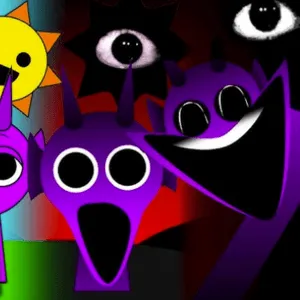
The cast in Phase 3 is visually transformed from earlier phases. Oren, once bright and friendly, now appears jagged and menacing, hinting at corruption or villainy. Raddy is reduced to a skeleton, suggesting a violent or tragic end tied to his own chaotic nature. Cluckr has a bird like frame with bulging eyes and a gaping beak, evoking panic and desperation. These designs are not just cosmetic; they set a mood and invite players to imagine the story behind each figure.

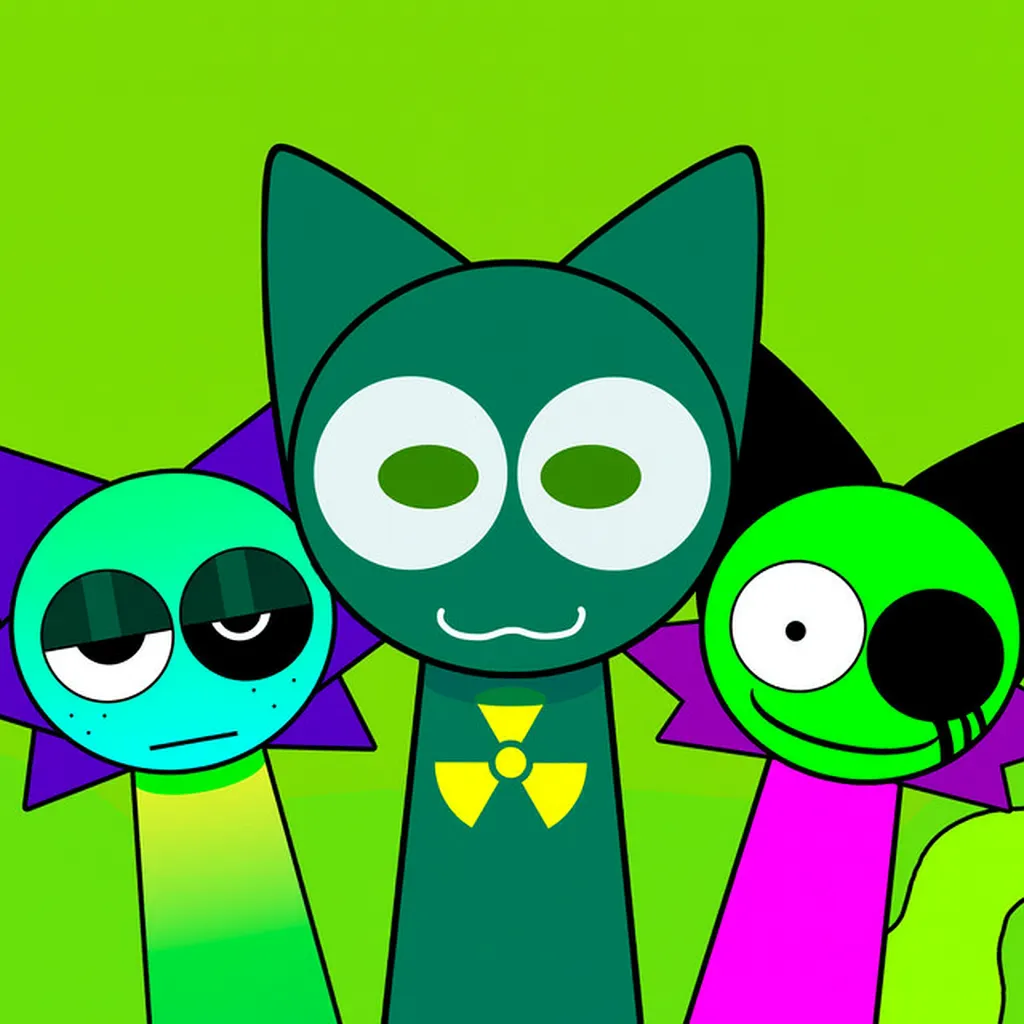
Other characters like Gray, Vineria, Brud, and Garnold each carry their own visual identity, from nature inspired vines to robotic masks and unsettling grins. You do not need to memorize backstories to play, but noticing the visual details makes the layering process more engaging. Each character feels like a puzzle piece in a larger, darker narrative.

Tips for building Phase 3 loops

Start with rhythm. A solid pulse or beat gives your loop structure and makes it easier to add melody and effects later. If the mix feels muddy, pull out the last part you added instead of piling on more. Clarity matters more than density, especially in a phase tuned for atmosphere.

Use the solo button to isolate a single character and hear how it fits against the rest. This is the fastest way to catch clashing frequencies or parts that do not serve the groove. On mobile, headphones help; built in speakers often compress the low end and hide details. Finally, trust your ear. If a combination feels right, it is right. Phase 3 rewards experimentation over rigid formulas.

Sprunki Phase 3 is part of the community driven Sprunki series, inspired by Incredibox but developed and hosted by fans. Features and controls can vary slightly depending on the host, so the guide above is a general map. The goal on Sprunky Game is simple: play Sprunki Phase 3 online free, dive into the Halloween atmosphere, and craft loops that feel like your own haunted soundtrack.

FAQs about Sprunki Phase 3

Sprunki Phase 3 is a Halloween themed chapter in the Sprunki music game series. It features horror inspired character designs, darker soundscapes, and the same drag and drop music creation system found in earlier phases, but with a grimmer, more atmospheric tone.
Yes. You can play the full experience in your browser without payment, account registration, or downloads. Just load the page, wait for the assets to finish loading, and start mixing.
No account is required. The game runs anonymously in the browser. If a future build ever requests a login, it will be clearly indicated in the interface, but the standard flow is sign up free.
Phase 3 is built to work on both desktop and mobile browsers. A stable internet connection on first load helps the audio engine start cleanly, and you should allow audio permissions for the site in your device settings.
Phase 3 introduces a Halloween horror theme with redesigned characters that look corrupted, skeletal, or otherwise unsettling. The sound palette is darker and more atmospheric than earlier phases, favoring eerie loops over upbeat grooves. The core drag and drop mechanics remain the same, but the mood and visual identity are distinct.
The exact roster size depends on the build version, but Phase 3 typically includes a fixed set of characters, each with a unique sound and visual design. The fun comes from discovering how they interact, not from grinding through a long unlock list.
Yes. Certain character pairings unlock special animations or bonus sound moments. These are discovered through experimentation. Change one character at a time when testing so you can pinpoint what triggered the effect.
No. Sprunki is a fan made series inspired by Incredibox but developed independently by community creators. Phase 3 and other Sprunki phases are not official Incredibox products, though they share similar mechanics and creative goals.
Reload the page, keep the tab in the foreground, and close other heavy browser tabs. Confirm that your browser is not muting the site, and check system or device volume settings. On mobile, disable silent mode. If you are on WiFi, move closer to the router or try a wired connection on desktop.