Sprunki Phase 2

Sprunki Phase 2

Sprunki Phase 2

Sprunki Phase 2 is a stop in the long running Sprunki line of Incredibox style music games. The phase is built around a fresh roster of characters, new loops, and a look that leans a shade darker than Phase 1. You still get the same easy idea: every face is a sound, and the stage is your loop. Stack parts, find combinations that light up the scene, and treat the run like a small mix session instead of a score chase.

Each character covers a different job in the arrangement. Some lean on rhythm, some carry a vocal or melodic line, others add space and texture. Phase 2 asks you to notice how those jobs fit together, because a few sets trigger extra animation or “bonus” style moments when you line them up. The first load can take a little while while samples and animation come in, so give the build half a minute on a clean connection if the canvas looks empty at first.

The game is free in the browser. You do not need an account or a download, and it is written to work on both desktop and phone browsers as long as audio is allowed for the site. If you are new to Sprunki, Phase 2 is a clear place to start; if you already know Phase 1, you will feel the same controls with a new palette and a stronger mood in the art and sound design.

How to Play Sprunki Phase 2

1

Start the game and let it load

Use the player on this page. On the first visit, expect roughly thirty to forty five seconds of loading while the pack finishes. A loading or idle animation is normal. If nothing appears after a full minute, refresh once and check that the tab is not muting media.

2

Get to know the characters

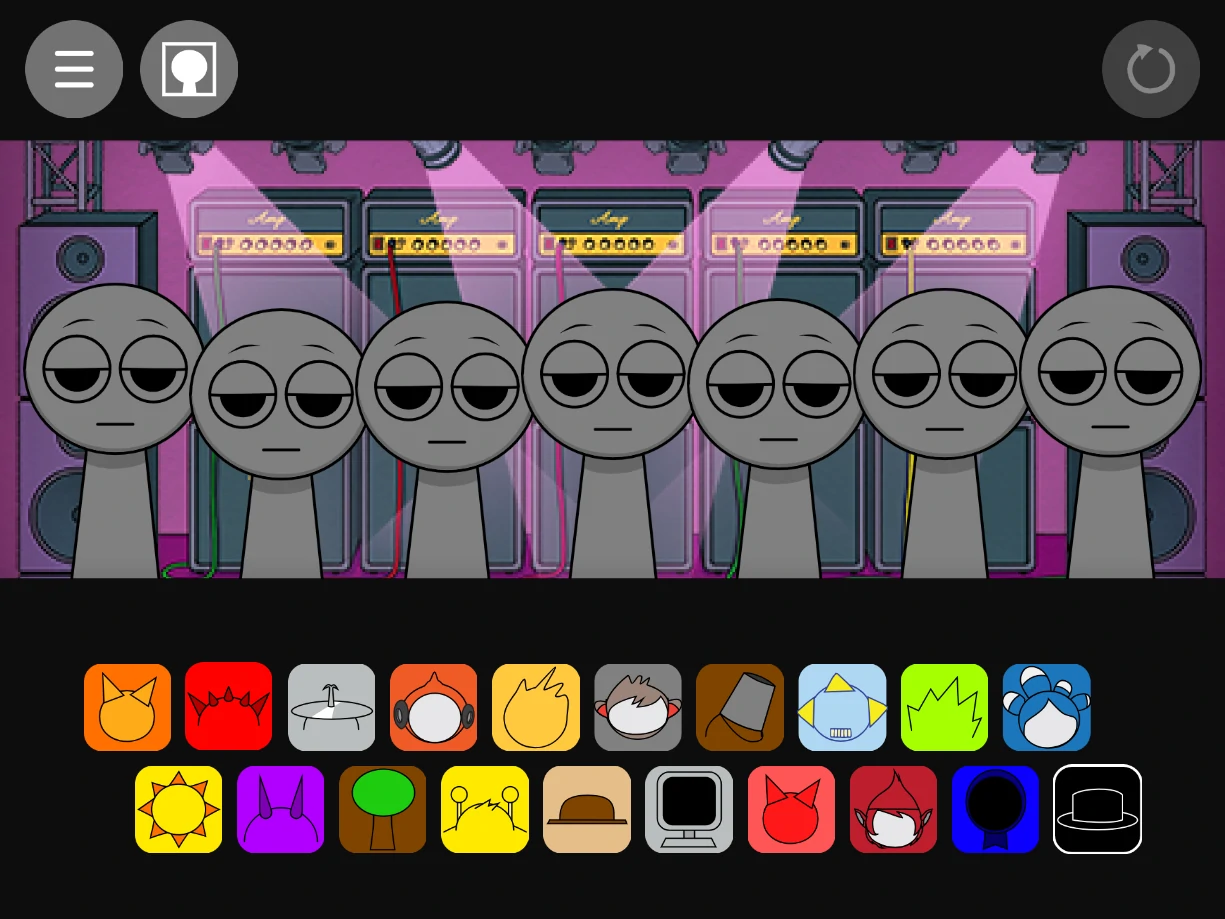
Scroll or browse the list beside the stage. Every figure maps to a part you can add to the bar, often separated into rhythm, tone, and ear candy. Listen to one addition at a time at first so you learn what each slot is doing before you fill the field.

3

Build the loop on the stage

Drag a character from the list onto the performance area, or use the same drag style your build uses for every Sprunki page. Start with a pulse, then a mid layer, then the extras. If the mix clogs, remove the last part you added and try a different pairing.

4

Tweak, mute, and solo

Many Phase 2 layouts add small controls on each active character: mute, solo so only that line is heard, or clear the slot. Use solo when you are tuning one sound against the rest, and use mute to silence a part without losing its place on the board.

5

Hunt for pairings and secret moments

Phase 2 rewards methodical tests. When you try a new combination, watch the visuals as well as the audio; some lines unlock a short special beat or a different stage reaction. If something interesting appears once, you can often repeat it with the same crew.

6

Save or share if the build allows

If the version you are playing offers export, save, or share, use it from the in game menu. If sharing is not exposed, a short screen recording is the usual way to pass a mix to friends or social feeds.

What the Sprunki Phase 2 mix is trying to do

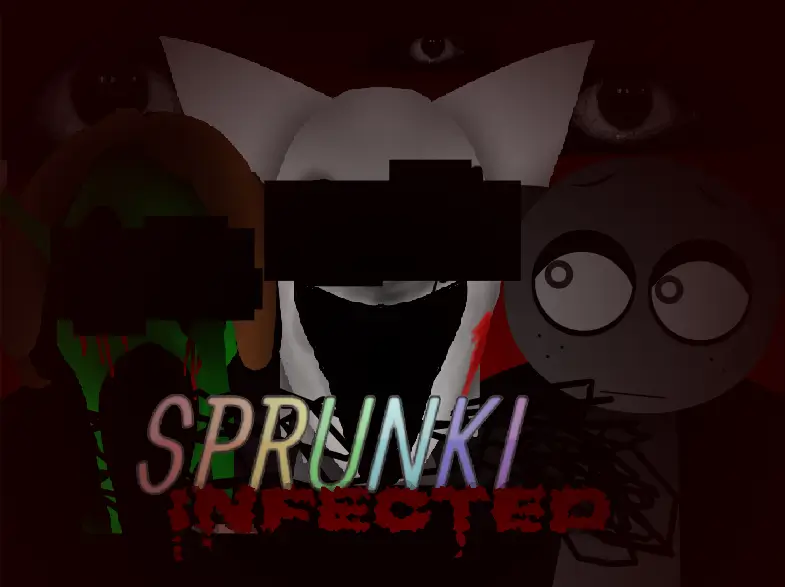
Phase 2 is not a separate genre from the rest of Sprunki, but it does have its own identity. The sounds sit in the same family as other browser beat toys: short phrases, clear roles, and layers that are meant to lock together. Where this round stands out is the mood. The art and sound lean into a more unsettling, stylized read of the world than a plain “happy mascot” look, so your loops often feel a little more cinematic, even when the groove stays light.

Because each phase in the line adds characters and a fresh kit, long time players use Phase 2 as a real chapter in a longer arc. It is a solid bridge between the first ideas in Phase 1 and the more elaborate work you see in later numbers. You still win by ear: when the bar feels even and nothing fights for space, the phase is doing its job.

Characters, look, and atmosphere

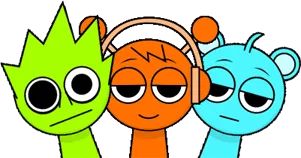
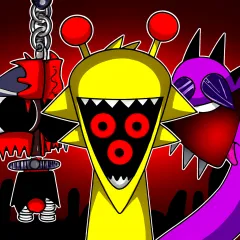
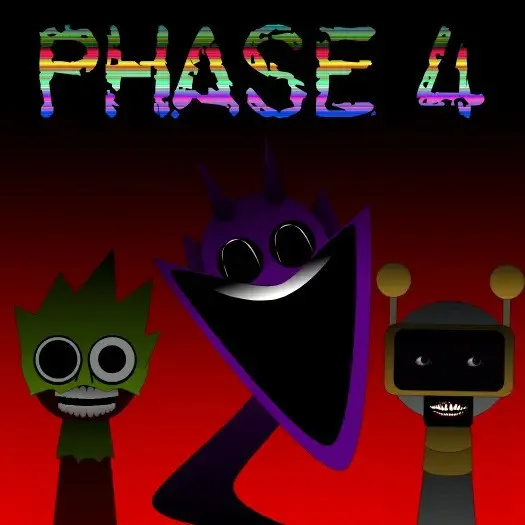
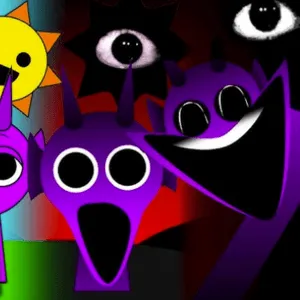
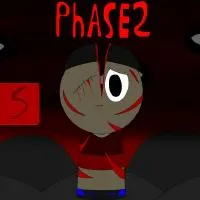
The cast is built so you can read roles quickly. Wider, heavier shapes often carry low end and impact. Simpler, more open designs might hold vocals or a repeating hook. The horror inspired styling here is not about jump scares; it is texture. Strange proportions, off kilter color, and small motion cues help you remember who brings the drone, who brings the click track, and who is only there for effect.

You do not need a checklist of every name to enjoy the playthrough. The practical habit is to add one new face, loop a few bars, and decide if that part earns its space. The designs make that trial and error feel like exploring a set instead of reading a manual.

Tips that keep a Phase 2 session under control

Build rhythm before melody when you are unsure. Once the ground feels solid, you can risk a weirder mid layer. If the loop feels busy, take something out. Loud is easy; clear takes one fewer element. When you are chasing a special combo, change only one character at a time so you know what unlocked the effect.

On phones, use headphones if you can. The speakers on a small device can hide the separation between low and high parts, and you will make better calls with a full frequency picture. If audio drops, check that the browser tab is active, since some engines pause work in background tabs.

Sprunki Phase 2 is part of a community led corner of the Incredibox inspired scene. Experiences and menus can differ slightly between hosts, so treat the notes above as a field guide. The goal on Sprunky Game is simple: play Sprunki Phase 2 online free, stay patient on first load, and keep experimenting until the bar feels like yours.

FAQs about Sprunki Phase 2

It is a Sprunki “phase” chapter focused on a new set of character sounds, visuals, and small interaction twists in the same drag and drop music style as other Incredibox inspired Sprunki games. You build a loop from parts instead of writing notation.
Yes. You can play in a normal web browser without payment for the play path described on this page. You also do not need a separate installer if you use the embedded player here.
No sign up is required for a typical session in the browser. If a future build ever asks for a login, that will be shown in the game itself, but the usual flow is anonymous play.
The experience is built for both desktop and mobile browsers. A stable connection on first load helps the audio engine start cleanly, and you should allow sound for the site in your system or browser settings.
The controls stay familiar, but the sound kit, character art, and mood shift. Phase 2 is often described as a darker or more stylized step than Phase 1, and it sits earlier in the numbered line than the bigger expansions in later phases. You still mix characters, but the palette and combinations are new.
The exact count can change if a host updates the file, but the design is always a fixed small roster with distinct parts you can layer. The fun is in how you combine them, not in grinding a long unlock list.
Sprunki is a wide fan and mod space around the same creative loop as Incredibox, but it is not the same as the original Incredibox app from the main studio. Treat this phase as a community style release unless you see clear branding that states otherwise.
Reload the page, keep the tab in the foreground, and close other heavy tabs. If you are on WiFi, move closer to the router or try wired Ethernet on a PC. Mute in the browser tab, phone silent switch, and OS volume are the usual hidden causes of “no sound” reports.