Sprunki Modded

Sprunki Modded

Sprunki Modded

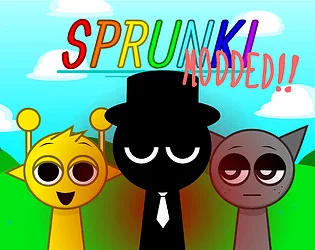
Sprunki Modded (often labeled Modded 1 in file names) is a community build of the same browser based, Incredibox style loop people already know, but the authors bolted on tools that the stock page usually does not hand you in one place. The hook is still simple: you drag character icons, each slot is a part in the bar, and you work by ear. The mod layer adds tempo control, a fill command that throws the whole line in at once, an auto pass that can sketch a mix for you, and a widescreen view so the stage is easier to read on a big monitor or TV.

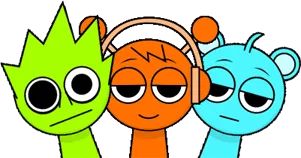
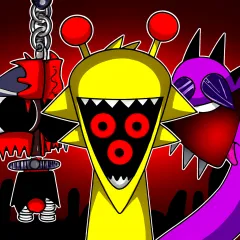
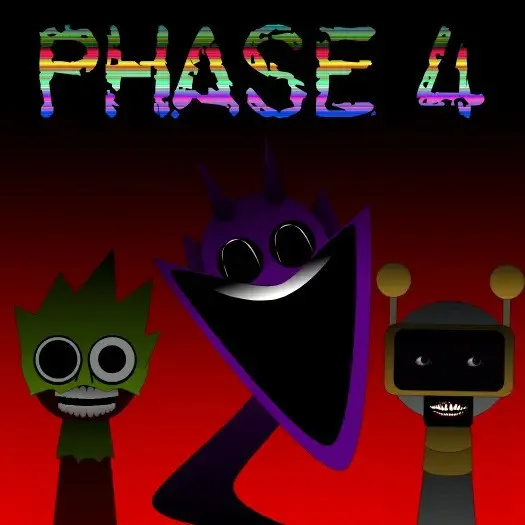
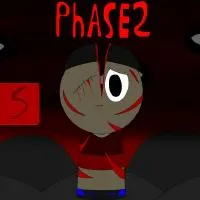
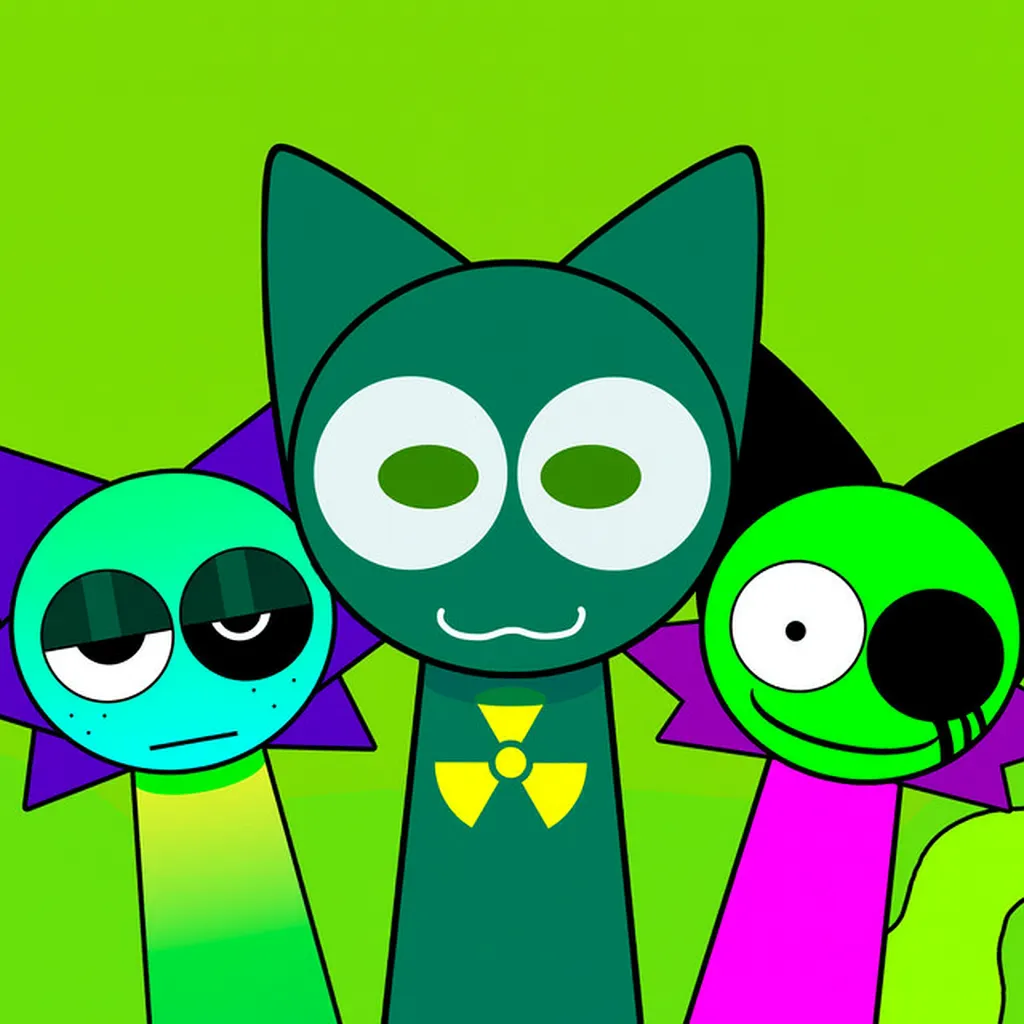
Many copies also ship a normal and a horror toggle. In normal, you can run Black on new sounds the modder wired in, instead of that role being siloed off. Horror mode is where the build shows off its upgraded gradients, smoother icon shading, and a darker lighting pass. The backdrop often uses light motion, think soft clouds and slow parallax, so the set feels a bit more alive than a static wallpaper. A small gallery of extra art is sometimes included so you can browse new stills that match the remixed cast.

You do not need a download or a login to try it on a typical host. It runs in a page like this one, works on most phones and laptops if you unmute, and the point is the same for hobbyists and people who just want a noisy break: get a loop going fast, then lean on the mod only when you need speed, chaos, or a different layout. Experienced Sprunki players will notice the moving polos, or the ability to reposition figures for a cleaner stage picture, before they even think about the mix itself.

How to Play Sprunki Modded

1

Load the page and pick a mode

Start Sprunki Modded in your browser. Use the switch, when you see it, to move between normal and horror. Both share the same drag and drop language, but horror leans on different visuals and icon treatment, so you may want a quick listen in each before you commit to a long session.

2

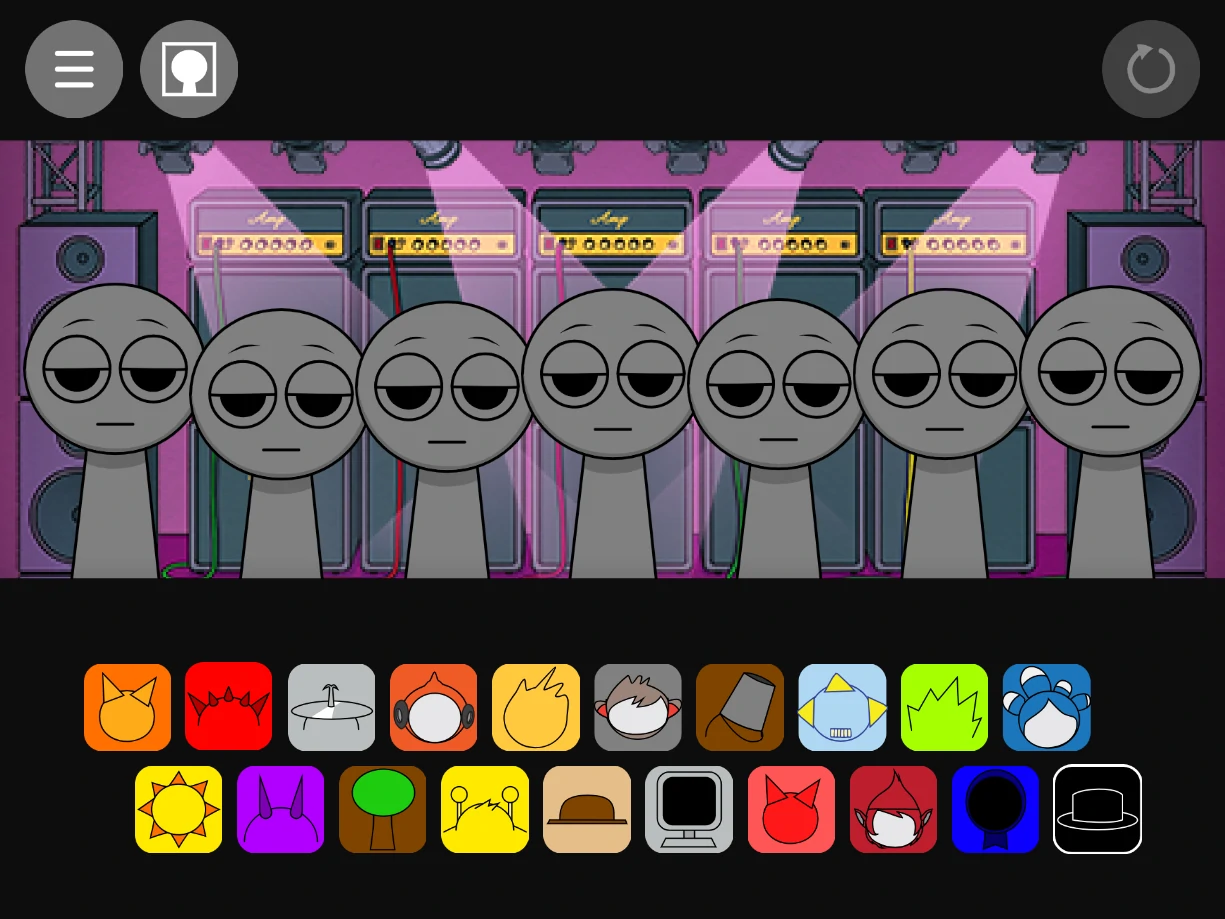
Add characters the usual way

Browse the roster, then drag a face onto a slot. Each one brings its own part. In this mod you can also drag polos or pieces around the stage in many builds, which is useful if you like a left to right read or want a cleaner shot for a share.

3

Hit Fill when you want the whole line

The Fill action lines every active Sprunki you have placed so the whole field sings at once. It is a blunt tool, great for a wall of sound or a fast demo, not always for a fine mix. Pair it with mute or per track controls, if the file exposes them, to trim the result.

4

Set speed and try Auto

Use the speed control to nudge the tempo up or down until the bar sits where you want. Auto asks the build to throw together a take on a mix. Treat it as a starting sketch: listen, then edit by hand, slow down, or clear slots until it feels like yours.

5

Toggle widescreen when you have space

If your copy offers 640 by 360 widescreen, use it on a large display so the UI breathes. On a phone you may still prefer the default framing. The exact toggle label varies, but it is the same idea: more horizontal room, less cramped icons.

6

Refine, browse the gallery, save or share

Walk the background motion once so you are not surprised by a cloud drift mid take. Check the in game gallery, if it exists, for the art pack that shipped with the mod. Export or share when the build allows; otherwise a screen capture of the widescreen pass is a common fallback.

What this mod changes on the table

Sprunki Modded is not a different genre. It is the same one loop per bar, one sound per body idea. The patch notes matter because they change how you practice. You get a fuller use of Black in the normal pass on many builds, which opens timbres older files gate off. You get a Fill command that is honest about what it does: it is loud, busy, and fast. You get a speed lane so you are not stuck at one default BPM when you want a slow groove or a club push.

Auto and widescreen are quality of life on top of the musical core. Auto is for inspiration or a quick joke track. Widescreen is for anyone who was tired of squinting at tiny strips on a desktop. Together they read like a fan who knew the base game, then added the buttons they always wanted in the first place.

Normal, horror, and the stage picture

Normal and horror in Sprunki Modded are the same game with two moods. Normal keeps the friendly read for casual passes. Horror trades some of the brightness for a darker board, and this build often tightens the gradient work on the icons in that branch, so the set still looks modern, not like a low bit artifact.

Moving polos, animated clouds, and a bit of shading in the backfield do not change the rules of harmony, but they do change how long a session holds your eye. If you are recording for a short clip, lock your layout first, then start motion, so a sudden slide does not fight your framing.

Tips that actually help in a mod build

When Fill drops every line in, your first job is to decide what to strip. A full stack is a stress test, not a finish. Use speed after you like the material, not before, so you are not fighting a bad voice at double time. Mute, solo, or yank a slot, when those controls are there, the same as any other Sprunki file.

On mobile, watch small touch targets on a widescreen pass. If the build feels cramped, flip out of wide mode or use landscape. Keep the tab awake so the audio engine is not throttled, especially when Auto is running. If a host changes the file, a control name might move, but the muscle memory should stay: you are still the last editor of the mix, not the button with the most labels.

Sprunki Modded is a fan build in the long line of Incredibox style browser toys listed on Sprunky Game. Features can shift if the host updates the file, so treat the notes here as a guide. The practical goal: play Sprunki Modded online free, learn the new buttons once, then use them the way a producer uses a plugin, only when they earn their place in the take.

FAQs about Sprunki Modded

It is a modified Sprunki build for the web that keeps drag and drop layering, then adds extra controls and polish such as fill all, speed, auto, widescreen layout, and in many files a clear normal versus horror look. The hosted file is often the first numbered mod pack, so you will see "Modded 1" in some URLs and filenames.
Yes. A standard play path in the browser is free, with no store purchase required for the flow we describe. You do not need a client download when you use the player on this page.
No sign up is required for a normal session. If a different host later adds a login, that will show in their frame, but the usual case here is open play.
The file targets modern mobile and desktop browsers. Touch works for drag and drop, though widescreen and tiny controls can be fiddly on a phone. Allow sound, use landscape if the UI gives you more room, and keep a stable line on first load.
Fill is a single action that makes all placed Sprunkis perform together at full voice. It is a fast way to hear the whole line or get a big hit for a short clip, then you edit down by hand.
Both modes use the same loop builder. Normal keeps a lighter presentation. Horror shifts art and icon grading toward a darker, spookier read, with the mod often adding smoother gradient icons in that path. Pick the one that matches the mood you want for a mix or a share.
No. You can play by feel the same as base Sprunki. The extra controls reward people who like to fine tune, but a beginner can still get a good bar in a few drags, then add speed or auto later if they want.
It is a community mod that follows the same creative loop as many Incredibox inspired games. It is not a product of the main Incredibox app line, and the exact name on the can may vary by host. This page is about the open web build, not a packaged store app.
Refresh once, unmute the tab, check device silent mode, and make sure the page is in the foreground. If a button has no effect, a newer file may have moved a label, so scan the on screen legend or try a different browser, especially on older mobile WebViews.