Sprunki OC V3
report

More games like Sprunki OC V3

Sprunki OC V3

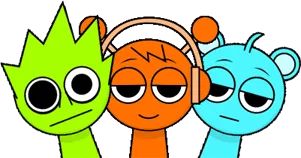
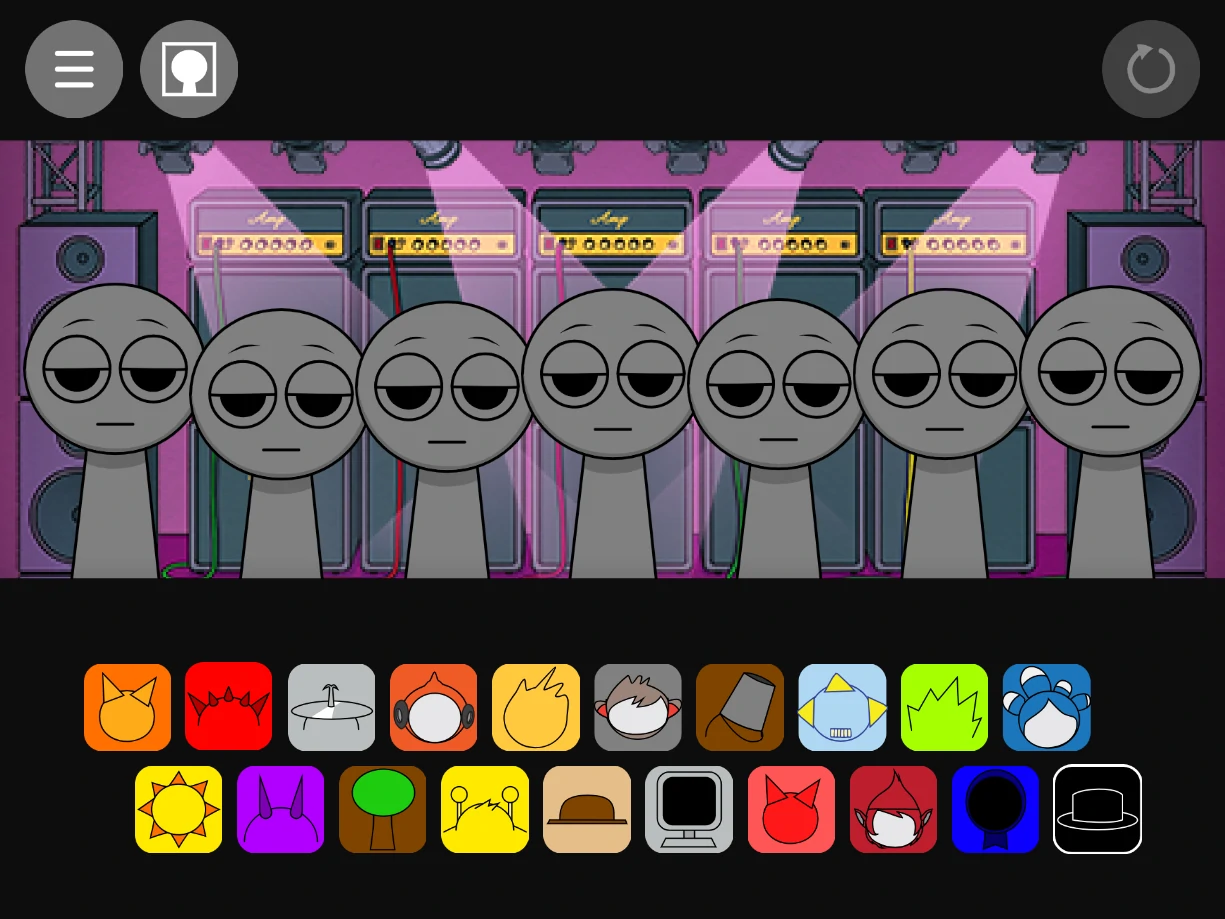
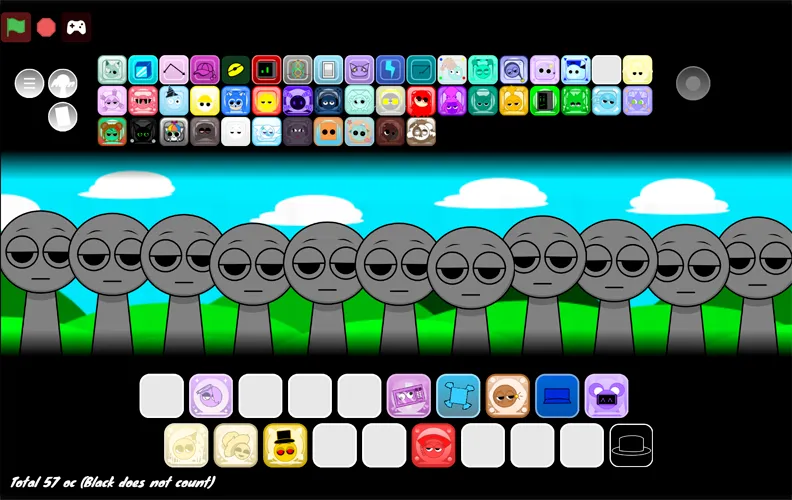
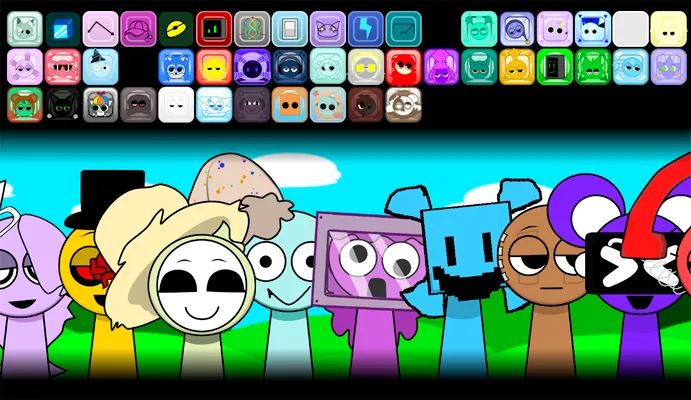
Sprunki OC V3 is a music creation mod by BIZorg built around a large icon library and an 11-character stage. Sound icons sit along the top and bottom of the screen. You drag them onto the performers to start loops, then keep stacking until the mix has enough rhythm, melody, and texture to hold together. The count matters here: more than 50 unique musical icons means you can fill a board several different ways before you start hearing the same session twice.

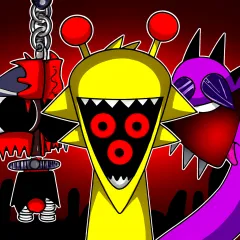
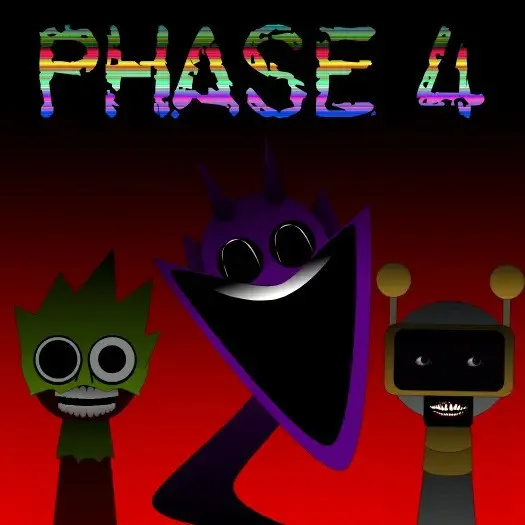
The stage itself leans cosmic rather than plain dark. That space look stays in the background so the icons remain easy to read, but it gives sprunki oc v3 a different mood from a standard phase choir. When you want the creepy flip, drag the last icon at the bottom of the avatar row onto the board. That switch turns the current mix into horror mode without leaving the page. Free in the browser, no account.

How to Play Sprunki OC V3

1
Drag a sound icon onto a character in Sprunki OC V3

Pick a sound icon and drop it on a character

Choose any icon from the top or bottom trays and drag it onto one of the 11 stage characters. That performer starts its loop right away.

2
Layer multiple sounds on the Sprunki OC V3 stage

Layer more icons until all 11 slots work for you

Keep adding rhythms, melodies, and effects across different characters. You can run up to 11 sounds at once. Swap any music box when a layer fights the rest of the mix.

3

Drag the last bottom icon to switch horror mode

Take the final icon at the bottom of the avatar row and place it on stage. That switches the mix into creepy horror mode.

Why 50+ icons change how you build a Sprunki OC V3 track

Most Sprunki boards give you a compact tray and ask you to invent variety inside a small set. Sprunki OC V3 goes the other way. The library sits above and below the stage with more than 50 musical icons, so the first decision is which family of sounds you even want to open with. Some icons read as rhythm, some as melodic lines, some as effects that only make sense once a few slots are already live. That spread is the main reason sessions feel less like repeating the same four faces.

Eleven simultaneous layers is the other hard limit that shapes the mix. You are not guessing how many performers the board can hold. Fill toward capacity when you want density, or leave slots empty when a sparse bed sounds cleaner. Swapping a single music box after the board is full is usually faster than clearing everything and starting over, because you can hear what one change does against an already running arrangement.

Cosmic stage look and the horror toggle in practice

The cosmic visual style in sprunki oc v3 is presentation, not a separate game mode. The space-inspired look sits behind the tools so the icon trays stay readable. That matters on a page this dense: if the UI fought the art, fifty icons would become noise. Here you can still hunt a specific sound without losing track of which of the eleven characters already has a loop.

Horror mode is a dedicated switch, not a hidden combo. Drag the last icon at the bottom of the avatar row onto the stage and the mix turns creepy. Build a normal arrangement first if you want a clean before-and-after listen, then place that final icon and hear the horror take. The player above uses the embed build at sprunki-oc-v31 linked for this page.

A practical mixing order for Sprunki OC V3

With a tray this large, dumping random icons onto all eleven slots usually produces mud. Start with one steady rhythm character, add a second rhythmic layer, then bring in a melodic icon before heavier effects. Once those three are stable for a full loop, fill the remaining seats one at a time and listen through each placement. That habit uses the 11-slot cap as a real compositional tool instead of a race to fill the board.

If a layer fights the rest of the mix, switch that music box rather than wiping the whole stage. Headphones help when several effect icons sit on top of each other. Laptop speakers flatten quieter layers and make it harder to tell whether a swap actually cleaned the track. Reload any time you want a clean tray.

If you like Sprunki OC V3, try these next

For another wide icon tray with labeled sound roles, open Sprunki.MSI. If you want a big Retake-style roster and a clear horror hat switch, Sprunki Retake Deluxe sits in a similar lane. Winter boards with a corner horror toggle live in Sprunki Cool As Ice. For a darker silhouette mix with lore under the loops, try Sprunki Shifted. A denser cast that flips the whole stage into horror is in Sprunki Phase 2.5.

Sprunki OC V3 is a fan-made Sprunki music mod by BIZorg (also credited as BlZorg). It is not an official Incredibox or Sprunki product. To play Sprunki OC V3 online free on Sprunky Game, use the player at the top of this page.

FAQs about Sprunki OC V3

Sprunki OC V3 is a BIZorg music creation mod with more than 50 sound icons, an 11-character stage, a cosmic visual style, and a horror mode switch triggered by the last bottom avatar icon.
You can layer up to 11 different sounds at once by placing icons on the 11 characters on stage. Icons are available from trays at the top and bottom of the screen.
Drag the last icon at the bottom of the avatar row onto the stage. That action switches the mix into creepy horror mode.
No. The controls are drag and drop. Casual players can stack a few icons for a quick mix, while longer sessions come from swapping layers across the full 11-slot board and comparing normal vs horror mode.