Sprunki Durple Treatment

More games like Sprunki Durple Treatment

Sprunki Durple Treatment

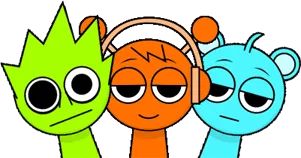
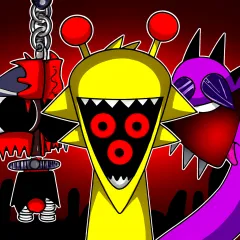
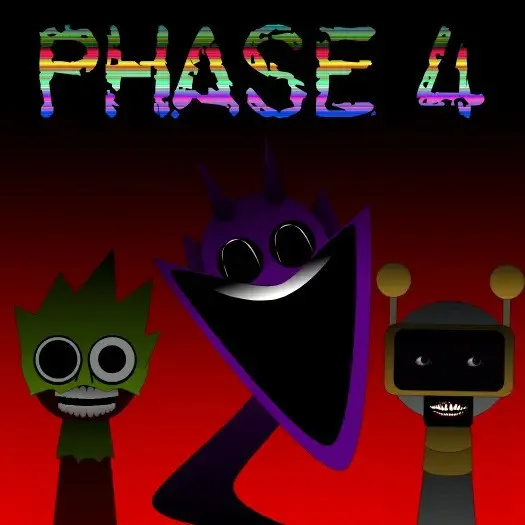
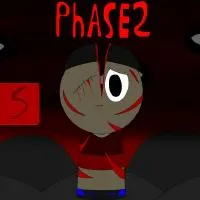
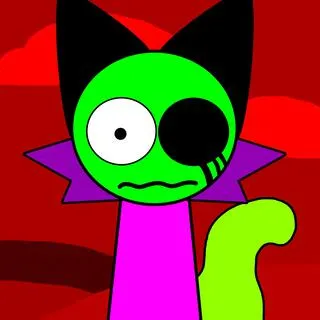
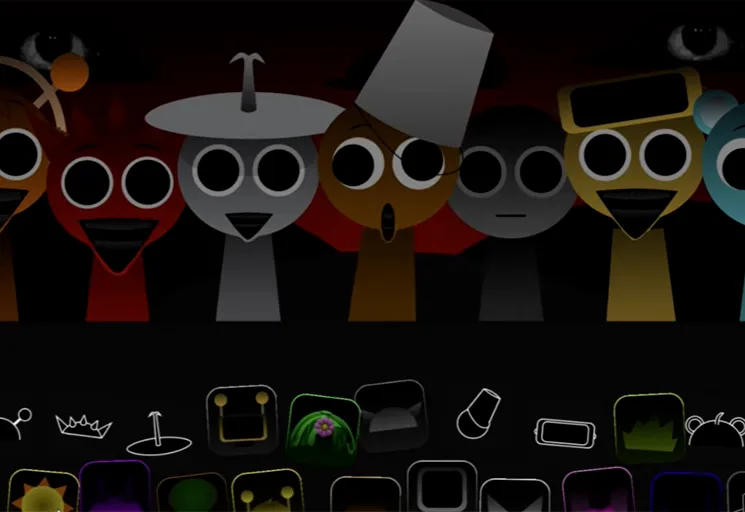
Sprunki Durple Treatment takes the purple face everyone remembers from the main cast and pushes him through a treatment process that does not end well. The mod is built around Durple as a haunted anchor: his silhouette still reads instantly, but the expressions, the idle motion, and the loops attached to him feel corroded. You drag Durple themed characters onto the stage the same way you would in any Sprunki mixer, yet the results land in glitchcore territory rather than playful rhythm.

What keeps Sprunki Durple Treatment interesting after the first minute is how the stage talks back. Neon flicker, warped frames, and brief color tears track what you place, not just how many slots are full. Ominous percussion, stretched vocals, and echo heavy effects stack cleanly enough for beginners, but specific pairings still open rarer distortions and hidden visual bursts. Allow thirty to forty five seconds on first load so the audio bank finishes streaming before you start placing icons.

How to Play Sprunki Durple Treatment

1
Place Durple characters on the stage

Place Durple characters on the stage

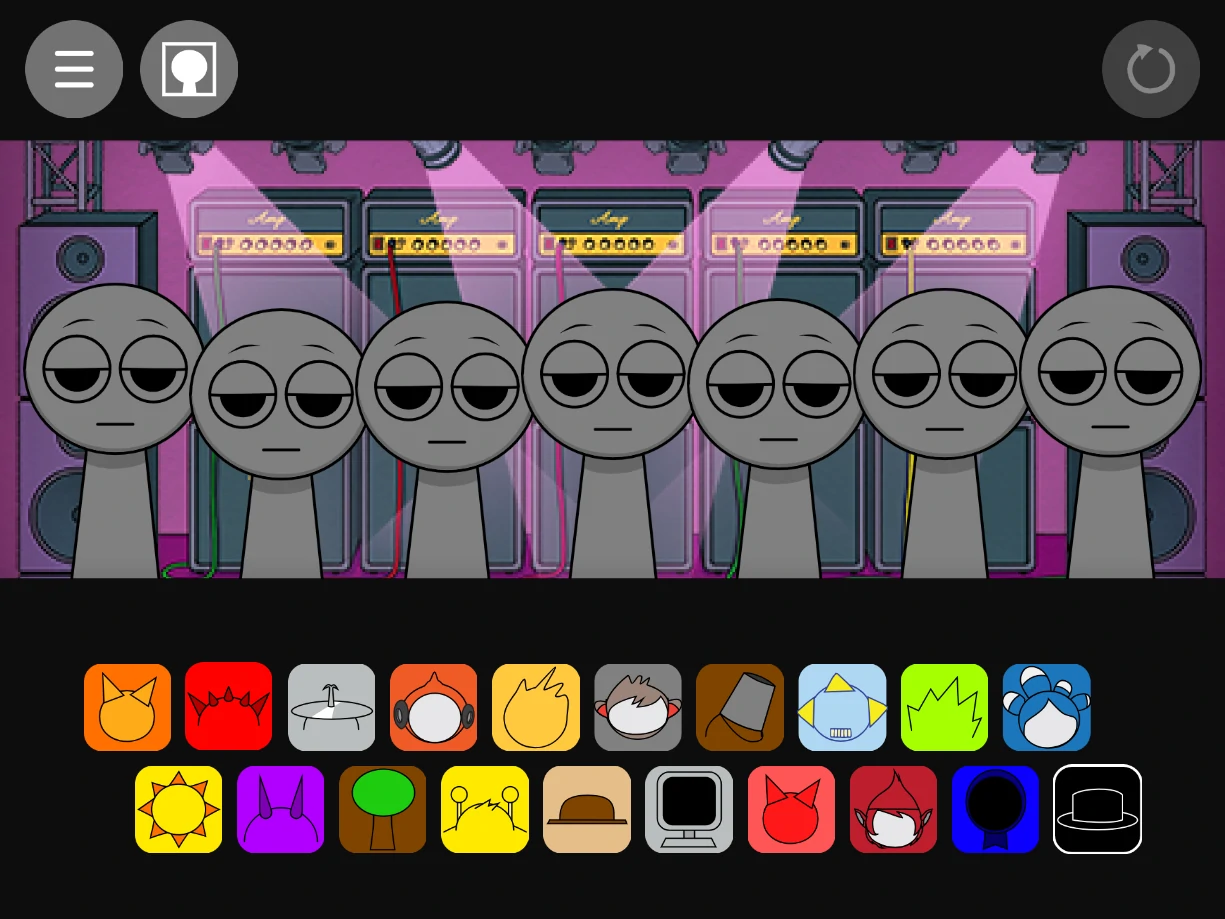
After the load finishes, drag icons from the bottom row onto open slots. Each placement adds a loop and shifts the character animation. Begin with one beat and one melody before you fill every slot.

2

Mute, solo, or remove any layer

Click a character on stage to remove it. Use the icons below each slot to mute, solo, or clear individual sounds while the rest of the mix keeps playing.

3

Swap combos to trigger glitch rewards

Change one icon at a time and watch for sudden flicker or new distortion. Those spikes usually mark a hidden combo. Record the layout when the groove locks in.

How Durple carries the Sprunki Durple Treatment mood

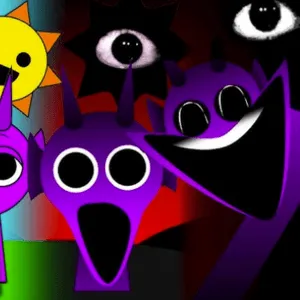
Durple is not a background color in this mod. He sets the temperature. Even when other Treatment styled figures share the stage, the purple cast and the warped idle cycles keep pulling attention back to him. His loops lean toward low, uneasy rhythms and vocals that sound like they were copied one generation too many. That makes him a useful foundation: place Durple first, hear what he does to the empty space, then decide which secondary icons can survive next to him without turning the mix to mud.

Players coming from standard Sprunki phases often expect Durple to be comic relief. Sprunki Durple Treatment refuses that read. The humor, if any, is dry and buried under static. Treating him as the emotional center of the session, rather than one slot among equals, tends to produce mixes that feel intentional instead of accidental noise.

Reactive glitchcore visuals and what they tell you

The flicker is not random wallpaper. When you add a harsh effect or a dissonant vocal, the neon glitching around the active characters often intensifies in sync. Pull that icon off and the visual noise drops within a loop or two. Learning to read those pulses helps you debug a crowded mix faster than soloing every track from scratch.

Glitchcore here means short bursts of broken animation rather than a single horror filter slapped over the UI. Some combinations only show their full visual payoff for a few bars before the engine settles back into a steadier state. If you are hunting hidden content, keep your eyes on those brief windows instead of waiting for a permanent stage change.

Building a shareable track in one sitting

Sprunki Durple Treatment rewards short, deliberate passes. Load the mod, place a tight four or five icon core, then iterate by swapping one sound per loop while you listen for both audio balance and visual feedback. When a rare distortion appears, resist wiping the board. Note which slot changed last and keep that icon while you test neighbors around it.

The record option is worth using once the mix feels stable enough to survive a full cycle without a jarring dropout. Shared clips from this mod tend to work best when one glitch moment is obvious in the first few seconds, because listeners immediately understand they are hearing Sprunki durple treatment rather than a generic dark remix. Headphones help: the distorted lows and clipped highs lose detail on flat speakers.

Sprunki Durple Treatment is a fan made Sprunki mod focused on the Durple character. It is not an official Incredibox product. To play Sprunki Durple Treatment online free on Sprunky Game, use the player at the top of this page. No account or download required.

FAQs about Sprunki Durple Treatment

Sprunki Durple Treatment is a fan made mod that rebuilds Durple as a haunting glitchcore figure inside a drag and drop Sprunki mixer. You layer warped beats and vocals, control each voice with mute and solo tools, and unlock extra visual distortions through specific sound pairings.
Both mods sit in the Treatment line, but Durple Treatment leans into purple tinted glitchcore aesthetics and reactive neon flicker tied to your mix. Raddy Treatment centers a different character with its own instability profile. The placement controls are similar; the sound palette and visual feedback are not.
Expect thirty to forty five seconds on first launch while samples and animations stream in. Wait for the loading sequence to finish before placing icons so loops trigger cleanly.
Click icons below each active character to mute, solo, or remove that layer. Click the character on stage to remove them entirely from the mix.
Yes. Certain icon combinations unlock rare glitch visuals and extra audio distortions. Swap one sound at a time and watch for sudden flicker or timbre shifts to locate them.