


Sprunki Phase 4

Sprunki Phase 4

Sprunki Phase 4

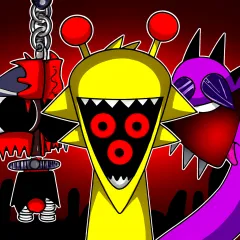
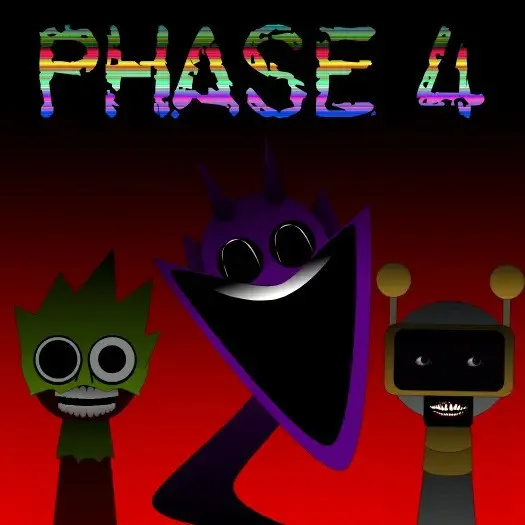
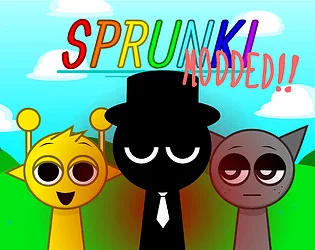
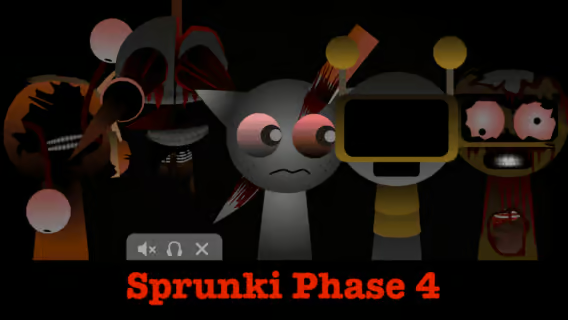
Sprunki Phase 4 represents a clear evolution in the series. Where earlier phases established the core loop and introduced darker tones, Phase 4 expands on those foundations with more tools, more polish, and more room to experiment. The sound library is larger, the visuals are sharper, and the interface gives you finer control over how characters look and sound together. You still drag parts onto a stage, layer them into loops, and hunt for combinations that unlock bonus moments, but the palette and options are deeper than what came before.

Phase 4 is built for players who have followed the series and want more creative freedom, but it also works as a clean entry point for newcomers. The mechanics are familiar: each character is a sound, the stage is your canvas, and the goal is to craft a loop that feels intentional. What Phase 4 adds is choice. You can customize character appearance with new outfits and colors, switch between display modes to fit your screen, and explore interactive environmental elements that respond to your mix. The result is a phase that feels less like a fixed puzzle and more like a flexible studio.

The game runs free in the browser on desktop and mobile. No install, no account, and no payment. Loading time on first visit is usually under a minute, though complex builds with many visual layers may take slightly longer. Once loaded, you have access to the full roster, all customization options, and every bonus unlock. The experience is designed to reward exploration, so test combinations freely and pay attention to visual cues that signal when you have found something special.

How to Play Sprunki Phase 4

1

Launch the game and wait for assets to load

Use the embedded player on this page. The first load pulls in the expanded sound library, character visuals, and environmental assets, which typically takes thirty to sixty seconds. A splash screen or loading bar is normal. If nothing appears after a full minute, refresh and confirm your browser allows audio for the site.

2

Browse the character roster

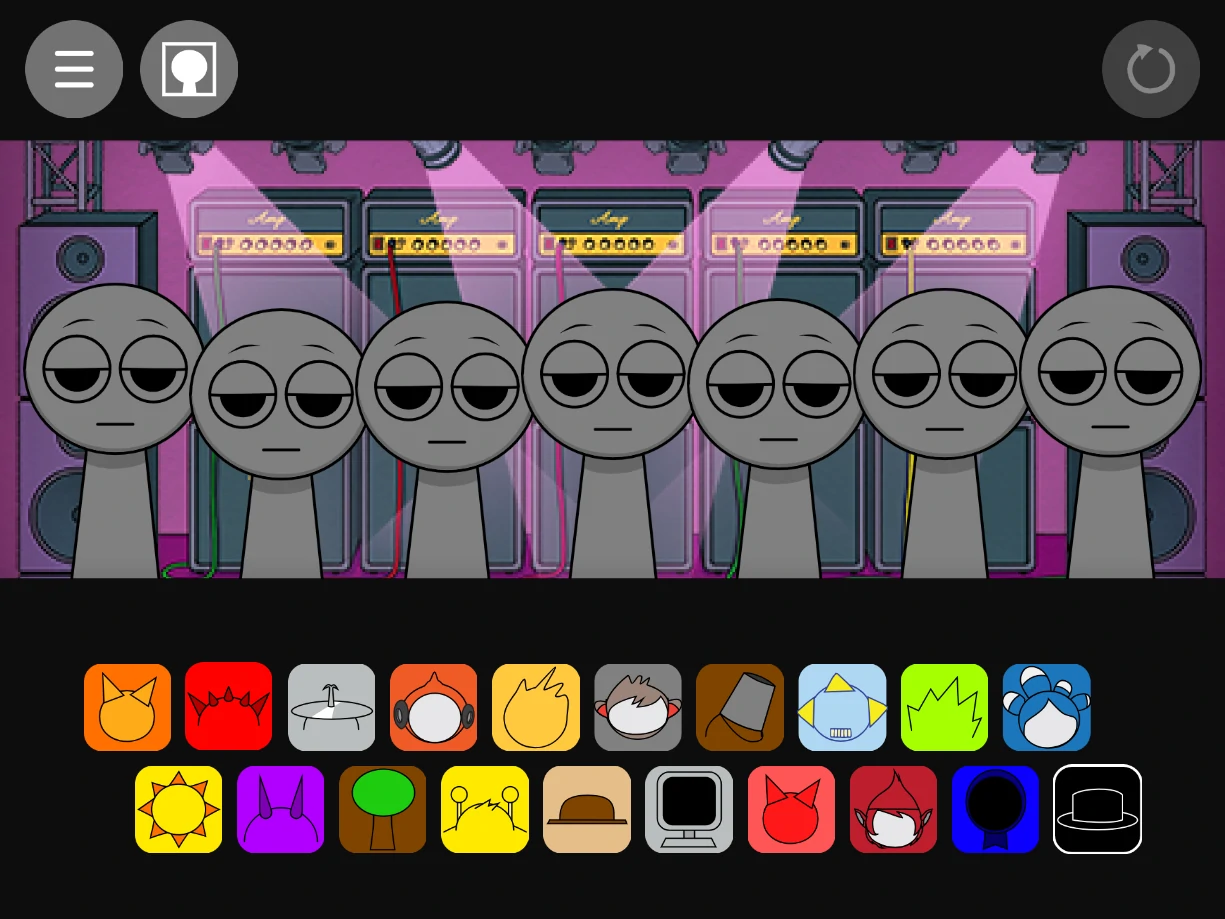
The sidebar or bottom panel shows the available cast. Each character maps to a distinct sound: rhythm, melody, vocal, or effect. Phase 4 adds more diversity to the mix, so take time to preview each part by hovering or tapping before you commit it to the stage.

3

Build your mix layer by layer

Drag a character onto the performance area to activate its sound. Start with a foundation, usually a beat or pulse, then add mid range parts, and finish with high end details or vocals. If the loop feels cluttered, remove the last addition and try a different pairing. The interface often includes mute, solo, and clear controls for each active slot.

4

Customize character appearance

Phase 4 introduces outfit and color options. Click or tap on a placed character to open the customization menu, where you can change costumes, adjust colors, or add accessories. These changes are cosmetic but help you visually organize your mix and make the stage feel more personal.

5

Experiment with modes and environment

Use the mode switcher to toggle between standard and widescreen layouts. Widescreen gives more horizontal space, which is useful when layering many parts. The environment also includes interactive elements that react to your music, adding visual flair as the loop plays.

6

Hunt for bonus unlocks

Certain character pairings trigger special animations, secret sounds, or other surprises. When testing combinations, change one character at a time so you can pinpoint which swap unlocked the effect. Watch for visual cues like color shifts or new animations that signal a successful combo.

7

Save or share your creation

If the build offers a save or share button, use it to export your loop. If not, a screen recording is the standard way to capture and share your work. The updated in game gallery may also support saving GIFs or animations for easy sharing on social platforms.

What the expanded sound library brings

Phase 4 offers a richer sonic palette than earlier entries. The expanded library includes more beats, more melodic options, and more textural layers, which means you can craft loops with greater depth and variety. The sounds still sit in the same Sprunki family: short phrases, clear roles, designed to lock together. But the range is wider. You can lean into rhythmic complexity, build atmospheric soundscapes, or go for catchy melodic hooks, all within the same session.

The additional sounds also mean more potential for discovery. Hidden combinations are still present, but the larger roster makes systematic testing more rewarding. Veterans of earlier phases will notice familiar sonic themes reinterpreted with new instrumentation, while newcomers will find enough variety to keep early experiments fresh and surprising.

Customization and visual polish

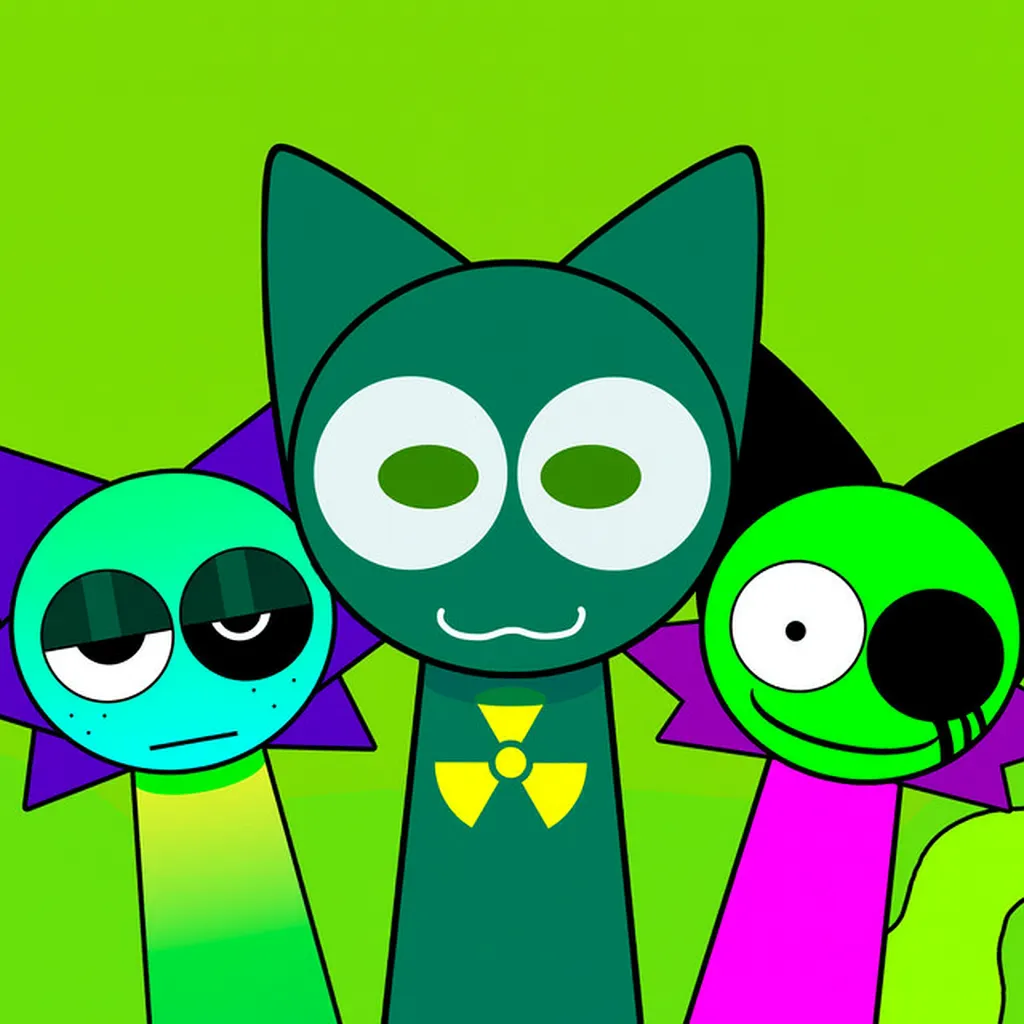
Phase 4 stands out for its character customization tools. You can change outfits, adjust color schemes, and add accessories, giving you control over how your stage looks as the music plays. This is not just cosmetic; it helps you visually organize complex mixes. A distinct color or costume can remind you which character carries the bass line or which one adds the vocal hook, making it easier to tweak the arrangement on the fly.

The visual upgrades extend beyond customization. Animations are smoother, lighting effects are more polished, and the overall color palette is brighter and more vibrant. These changes make the experience feel more refined without sacrificing the stylized look that defines the series. The interactive environment elements add another layer of engagement, responding to your music with subtle motion or lighting shifts that reinforce the connection between sound and visuals.

Tips for making the most of Phase 4

Start simple. Even with a larger library, the best mixes often use fewer parts than you think. Build rhythm first, add melody second, and reserve the top slots for accents. If the loop feels muddy, pull out one element instead of adding another. Use the solo button to isolate a single character and hear how it fits against the rest.

Take advantage of the customization tools not just for aesthetics but for workflow. Assign specific colors to rhythm parts, melody parts, and effects so you can scan the stage at a glance and know what each slot is doing. On mobile, headphones help; built in speakers can compress the low end and hide important details. Finally, trust your ear. If a combination feels right, it is right. Phase 4 rewards experimentation over rigid formulas.

Sprunki Phase 4 is part of the community driven Sprunki series, inspired by Incredibox but developed and hosted by fans. Features and controls can vary slightly depending on the host, so the guide above is a general map. The goal on Sprunky Game is simple: play Sprunki Phase 4 online free, explore the expanded toolkit, and craft loops that feel like your own signature sound.

FAQs about Sprunki Phase 4

Sprunki Phase 4 is the fourth official chapter in the Sprunki music game series. It builds on the foundations of earlier phases with an expanded sound library, character customization options, improved visuals, and new gameplay features like widescreen mode and interactive environments. You still create music by dragging and layering characters, but Phase 4 gives you more tools and creative freedom.
Yes. You can play the full experience in your browser without payment, account registration, or downloads. Just load the page, wait for the assets to finish loading, and start mixing.
No account is required. The game runs anonymously in the browser. If a future build ever requests a login, it will be clearly indicated in the interface, but the standard flow is sign up free.
Phase 4 is built to work on both desktop and mobile browsers. A stable internet connection on first load helps the audio engine start cleanly, and you should allow audio permissions for the site in your device settings. Widescreen mode is supported on devices with larger displays.
Phase 4 introduces an expanded sound library with more beats, melodies, and effects. It adds character customization tools for outfits and colors, improves visual polish with smoother animations and brighter colors, supports widescreen mode, and includes more bonus unlocks. The core drag and drop mechanics remain the same, but the toolkit and creative options are significantly deeper.
The exact roster size depends on the build version, but Phase 4 typically includes a larger cast than earlier phases, each with a unique sound and visual design. The fun comes from discovering how they interact and customizing their appearance, not from grinding through a long unlock list.
Bonus unlocks are special animations, secret sounds, or other surprises that trigger when you combine certain characters in specific ways. Phase 4 adds new bonus combinations compared to earlier phases. These are discovered through experimentation. Watch for visual cues like color shifts or new animations that signal you have found a hidden combo.
Yes. Phase 4 introduces customization options for outfits, colors, and accessories. Click or tap on a placed character to open the customization menu. These changes are cosmetic but help you visually organize your mix and make the stage feel more personal.
No. Sprunki is a fan made series inspired by Incredibox but developed independently by community creators. Phase 4 and other Sprunki phases are not official Incredibox products, though they share similar mechanics and creative goals.
Reload the page, keep the tab in the foreground, and close other heavy browser tabs. Confirm that your browser is not muting the site, and check system or device volume settings. On mobile, disable silent mode. If you are on WiFi, move closer to the router or try a wired connection on desktop.